
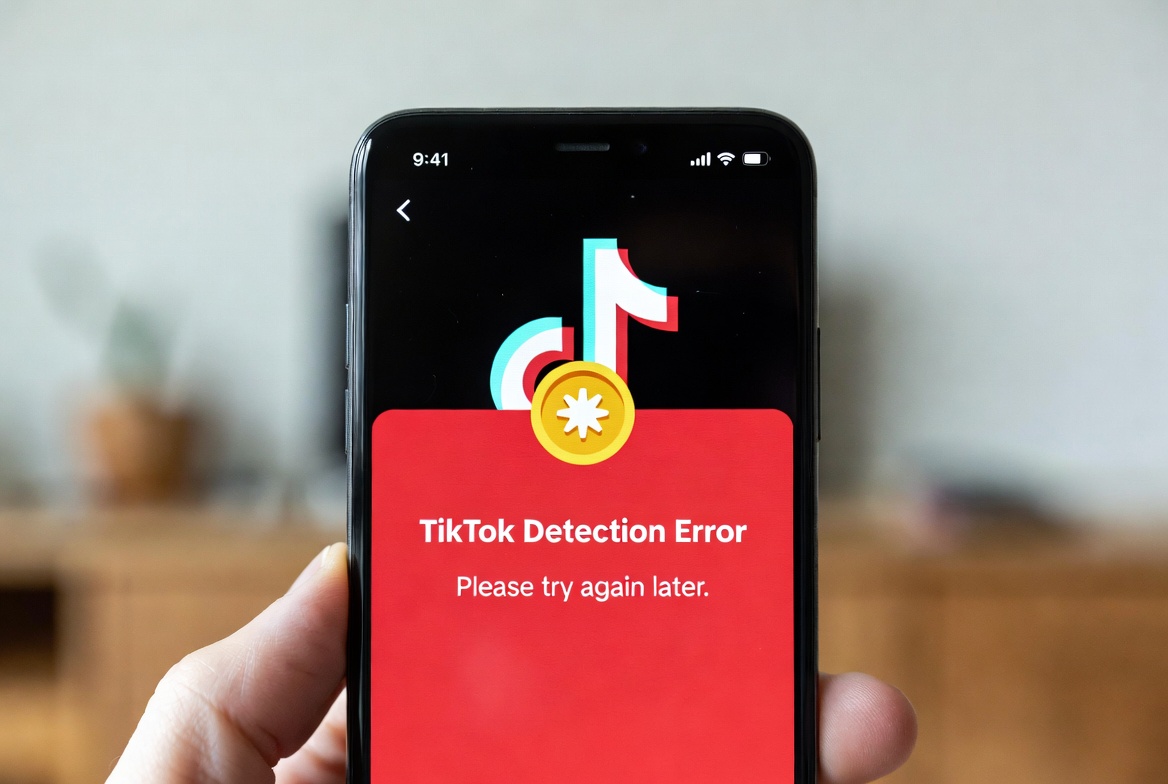
Understanding TikTok Coins System and Common Errors
TikTok Coins are a virtual currency used within the platform to purchase gifts for creators during LIVE streams. Users buy coins with real money, and when a detection error blocks their usage, it creates significant frustration. This error typically manifests as a failed transaction, a warning message stating “Detection Error,” or an inability to send gifts despite having a sufficient coin balance. This issue often stems from TikTok’s automated security systems, which are designed to prevent fraudulent activity and ensure platform safety, but can sometimes incorrectly flag legitimate transactions.
The TikTok coin system is integral to the creator economy on the platform, and errors can disrupt both viewer support and creator revenue. A detection error usually indicates that TikTok’s internal safeguards have identified something unusual about the transaction attempt. This could be related to your account status, payment method, network environment, or even rapid, repetitive gifting actions. Understanding the root cause is the first step toward resolving the issue and regaining access to your virtual currency functionality.
Primary Causes of the TikTok Coin Detection Error
| Potential Cause | Description | How It Triggers the Error |
|---|---|---|
| Account Security Flags | Unusual login location, sudden spike in activity, or new device usage. | TikTok’s system suspects account compromise or fraudulent purchases. |
| Payment Method Issues | Problems with the linked credit/debit card, PayPal account, or regional restrictions. | The payment gateway or TikTok’s billing verification fails. |
| Network & VPN Usage | Using an unstable internet connection or a Virtual Private Network (VPN). | VPNs can mask your real location, conflicting with your account’s registered region. |
| Platform Bug or Glitch | A temporary server-side issue within TikTok’s own infrastructure. | Widespread errors affecting multiple users simultaneously. |
| Violation of Terms of Service | Previous violations related to purchases, gifting, or community guidelines. | Account may have restricted privileges as a penalty. |
| Cache and App Data Corruption | Outdated or corrupted local data on your mobile device. | The app cannot process transactions correctly due to faulty local files. |

Step-by-Step Troubleshooting Guide
Immediate Actions to Resolve the Error
Begin with the simplest solutions. First, force close the TikTok app completely and restart it. This can clear minor temporary glitches. Next, check your internet connection; switch from Wi-Fi to mobile data or vice versa. Ensure you are not using a VPN or proxy service, as TikTok’s coin system is highly sensitive to geographic location mismatches. Verify that your payment method is still valid, has sufficient funds, and is issued in a region supported by TikTok Coins. Attempt a small, standard purchase (like the smallest coin pack) to see if the error persists.
Advanced Solutions and Account Checks
If basic steps fail, proceed to more in-depth troubleshooting. Update the TikTok app to the latest version from your device’s official app store, as bugs are often patched in updates. Clear the app’s cache and data (Android) or offload/reinstall the app (iOS). This removes corrupted local files but may require you to log in again. Check your account standing in the app’s settings under “Privacy and Safety” or “Report a Problem” to see if there are any active restrictions. If you suspect a regional issue, ensure your app store/Google Play region and TikTok profile settings align with your actual country of residence. Contacting TikTok Support directly through the app with detailed information about the error is a crucial final step.
Frequently Asked Questions (FAQ)
Why does TikTok say “Detection Error” when I try to send gifts?
This message is a security alert from TikTok’s automated systems. It typically means the platform’s algorithms have detected an irregular pattern in your transaction attempt. Common triggers include a mismatch between your account’s registered country and your current IP address (often due to VPNs), a problem with your payment method’s authorization, or behavior that mimics automated “bot” gifting. It is a preventative measure against fraud and unauthorized purchases.
Can a VPN cause TikTok Coin usage errors?
Absolutely. Using a VPN is one of the most common causes of this detection error. TikTok’s payment and gifting systems are designed to operate within specific geographic regions due to varying financial regulations and currency options. When you use a VPN, your apparent location changes, which conflicts with the region associated with your account and payment method. This discrepancy triggers the security system, resulting in a block. To use coins reliably, you should disable any VPN or proxy service.
How do I contact TikTok support about blocked coins?
To contact support, go to your TikTok profile, tap the three-line menu (☰) in the top right, select “Settings and Privacy,” then “Report a problem.” Navigate to “Purchases and Coins” or a similar category. Describe your issue in detail: mention the exact “Detection Error” message, the steps you’ve already taken to troubleshoot, your username, and any relevant transaction IDs (if available). Submit a report and wait for a response via the app’s support inbox. Be patient, as response times can vary.
Will my coins disappear if I get this error?
No, your purchased coin balance is tied to your TikTok account and should remain safe. The error blocks the usage or purchase of coins, not your existing balance. Once the underlying issue is resolved—whether it’s a security flag, payment problem, or app glitch—you should regain full access to your coin balance for gifting. You can verify your current coin balance in your wallet within the app.
Proactive Measures to Prevent Future Errors
To minimize the chance of encountering the detection error again, maintain consistent account usage from your primary location and device. Use a stable, reputable payment method and avoid making rapid, repeated gifting actions in quick succession, which can appear suspicious to automated systems. Keep your TikTok app updated regularly and periodically clear the cache to ensure smooth operation. Most importantly, always adhere to TikTok’s Terms of Service and Community Guidelines to keep your account in good standing, as violations can lead to restricted features, including gifting capabilities.
Keywords: TikTok coin detection error, TikTok coins not working, TikTok gift sending error, how to fix TikTok coin error, TikTok purchase blocked, virtual currency error TikTok, TikTok security block, TikTok payment error, resolve TikTok detection error, TikTok support coin issue